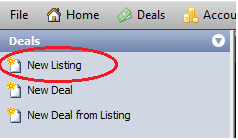
Click New Listing from the deal menu
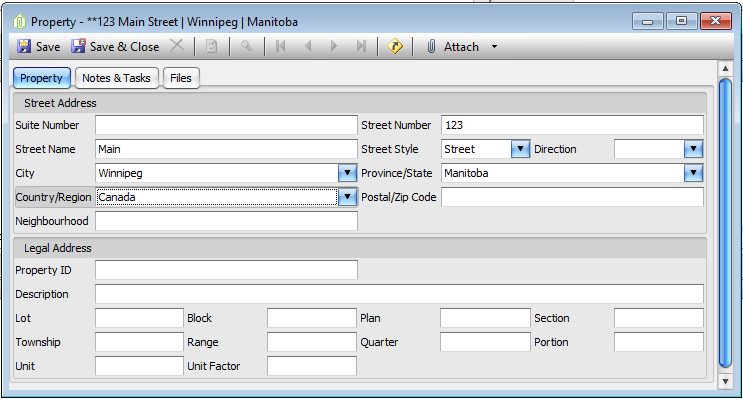
Enter Property information
- Save & Close Property Tab
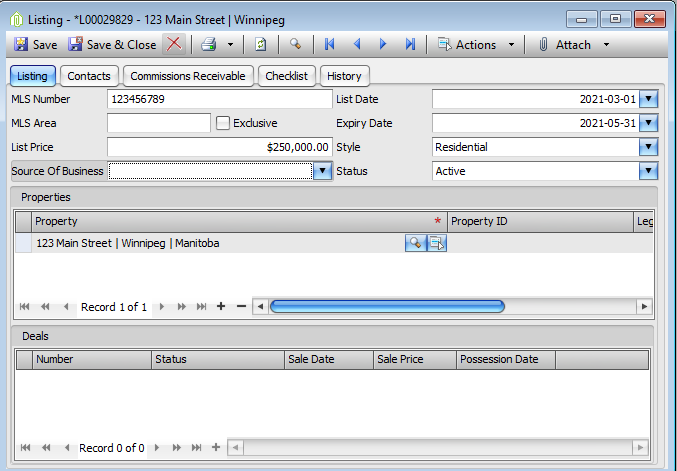
Enter all fields that you have
- MLS #
- List Date
- List Price
- Expiry Date
- MLS area
- Style
- All Contacts
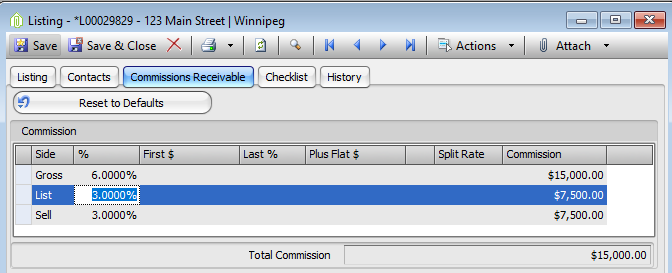
Click On the Commissions Tab
- Click the Reset to Defaults Button
- Then enter the commission for this listing
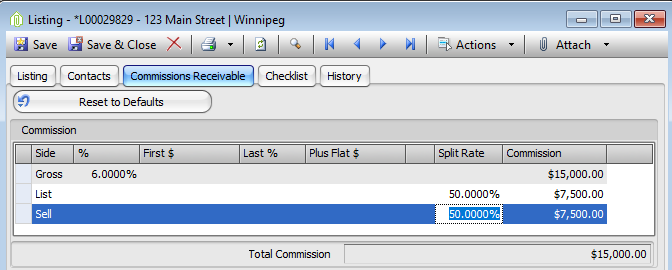
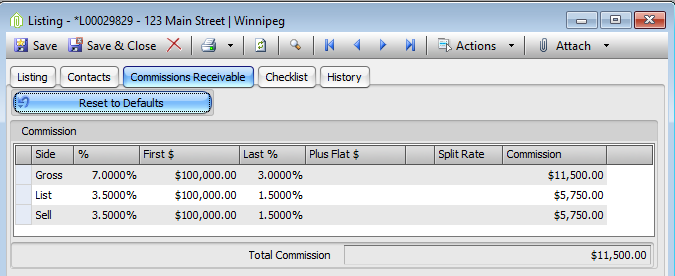
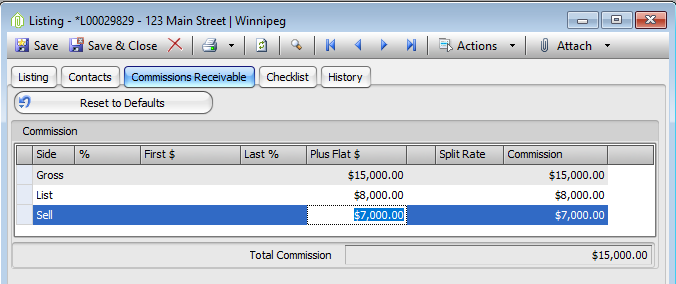
Below are examples of how to enter commissions
- % Rates
· Tiered Rates
· Flat Fees
Click on the Checklist Tab
Add all supporting documents
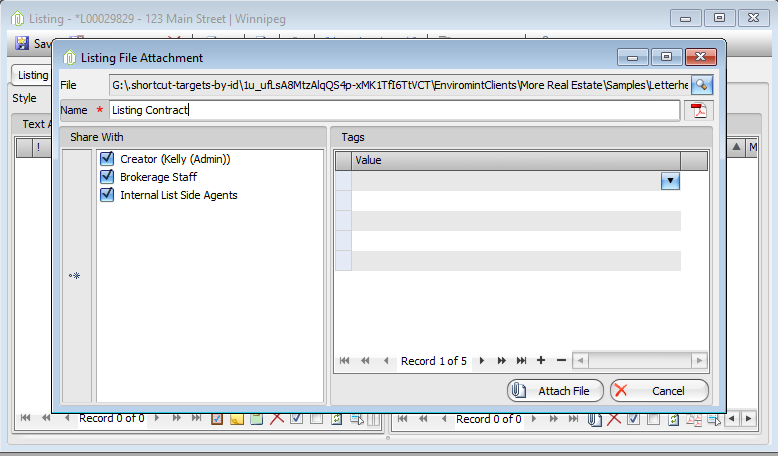
- Click on the Attach (Paper Clip Button) at the top of the form
- Click attach file
- Find desired document in your directory
- Name it
- Click attach File
Save & Close
Comments