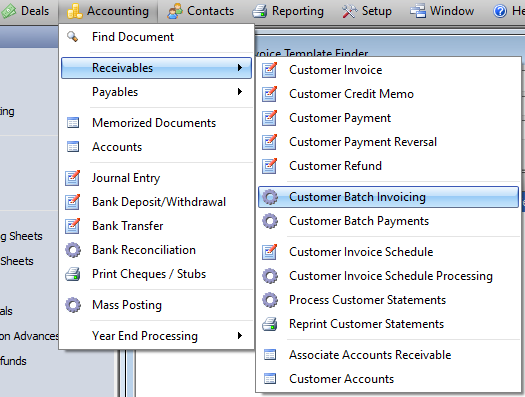
To open the Customer Batch Invoicing Form
Accounting --> Receivables --> Customer Batch Invoicing
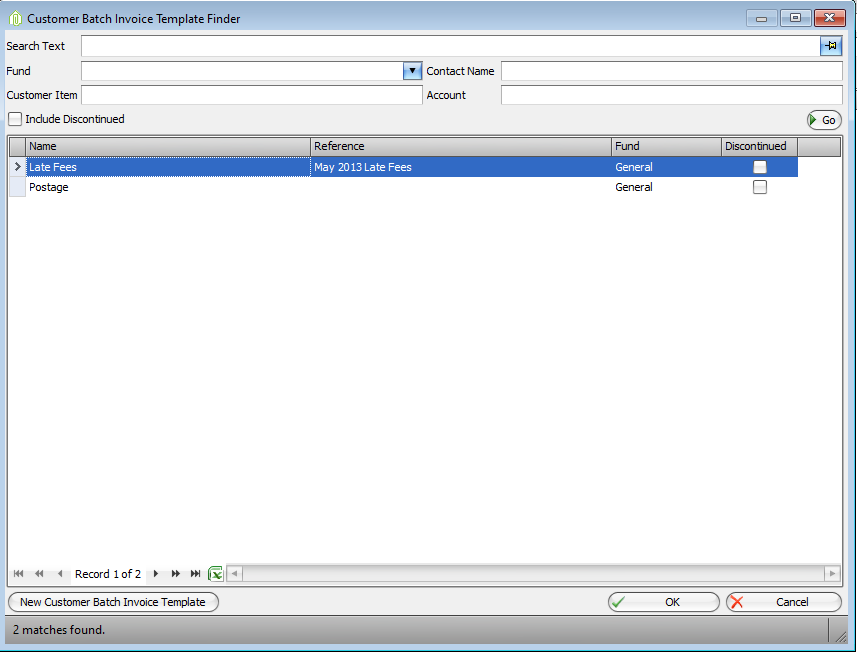
When the Form opens, double click on the template to open up the saved Template.
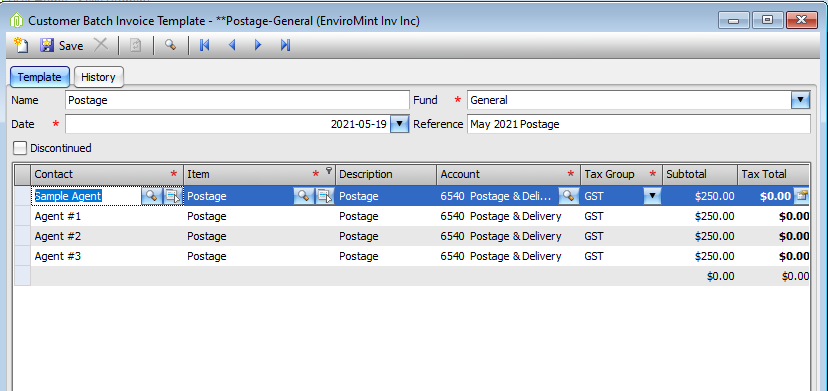
Make all necessary changes to the Template
- Top Fields
- Invoice Lines
OR
Change all information in the Invoice lines by using the Apply Defaults button
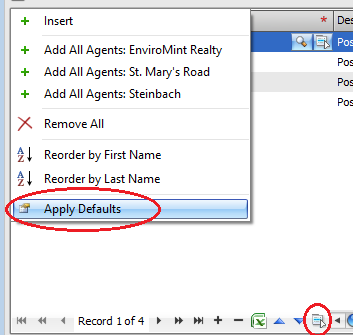
To Use Defaults for all the Invoice Lines
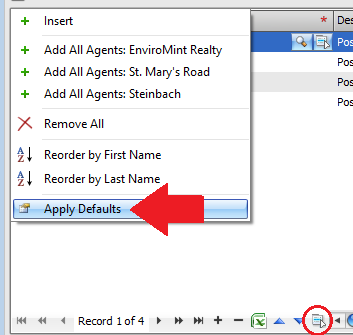
- Click on the Action button at the bottom of the grid and choose Apply Defaults
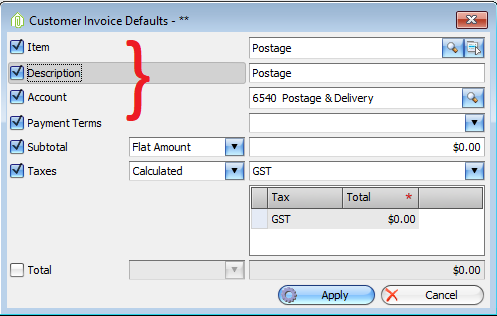
- You can add the same Item, Description, Account, and Payment Term to each Invoice lines
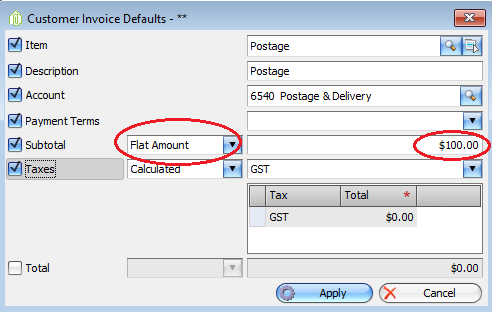
- You can add the same amount to all Invoice lines
- You can divide the total amount amongst all Invoice lines
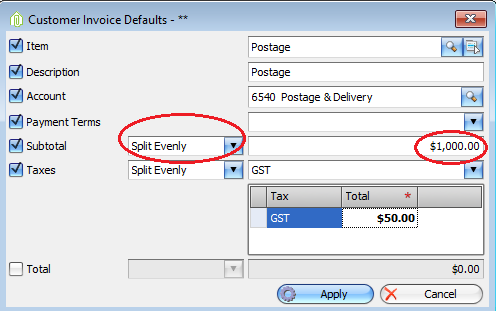
- Apply or not Apply Tax to all Invoice lines
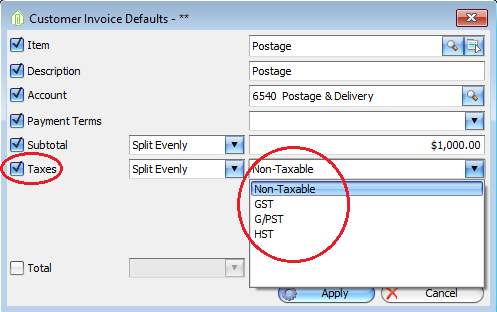
- Once the Defaults are set click Apply
- All your Invoice lines will be updated with the defaults you have selected
Once all the necessary changes for this set of invoices have been made click Post
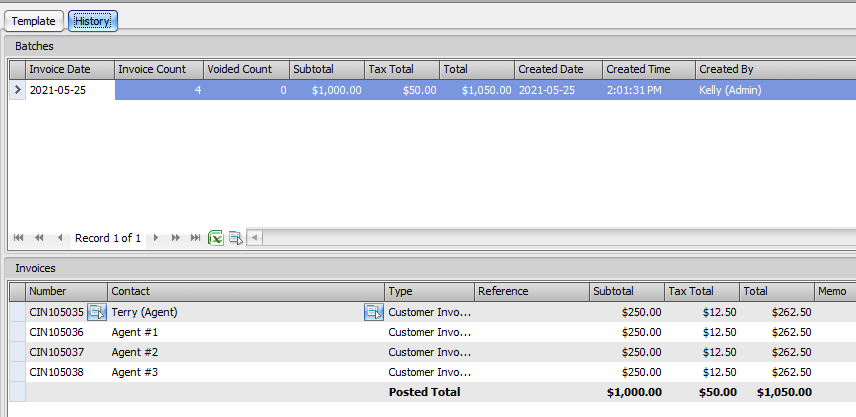
You can see a history of this templates use and all Customer Invoices posted using this Template on the History Tab.
Comments