You will need to go to the Accounting Menu --> Year End Processing --> Create T4A Slips
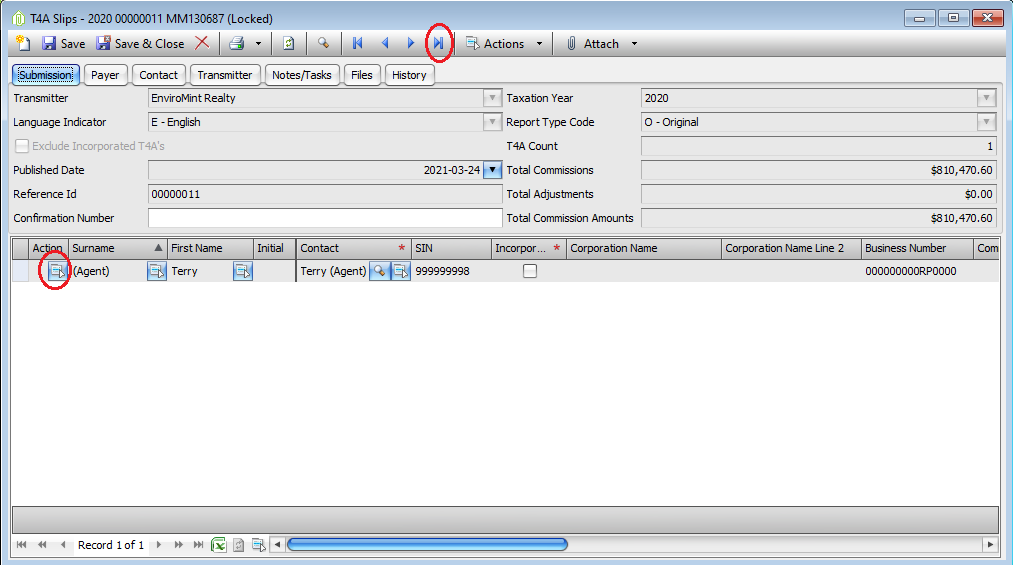
Once this opens, if you click the blue last record button, it will take you to the last year you completed T4A slips.
You will then click the Actions Button next to the Agent's name you wish to reprint.
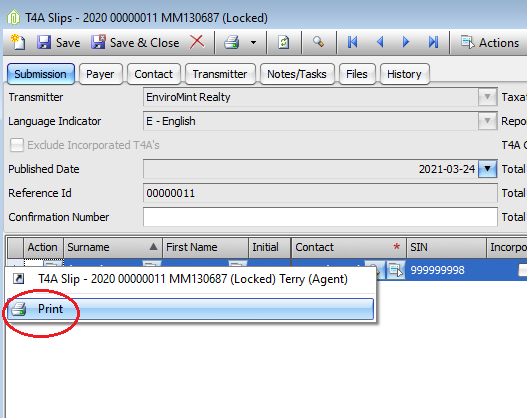
Then click Print to reprint this agents T4A Slip.
Comments