If you are needing a permanent change to any Conveyance Letters, you will need to email support@enviromint.com with all changes.
If this is a 1 time change, follow instructions below:
Within the deal click the printer Icon --> Conveyancing.
Click the letter you wish to make a 1 time change on, then click the printer Icon at the bottom
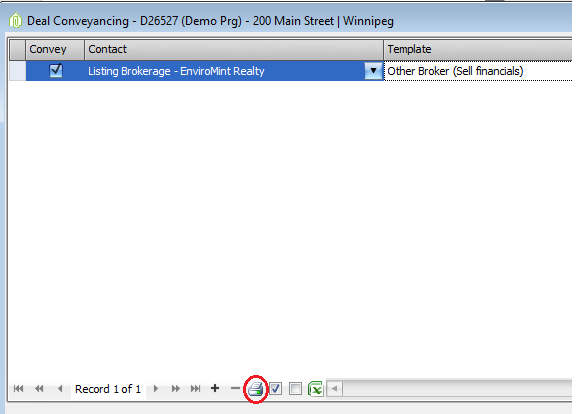
This will open a preview of the letter.
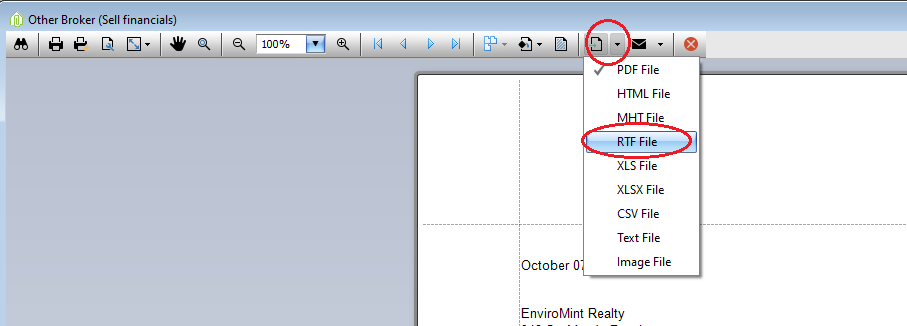
At the top there is an export document button, if you click the arrow drop down menu, you can export it to a RTF(word) File. Click OK, then it will ask you to Save it.
It will then ask you if you would like to open this file --> Yes.
You can then make your 1 time changes, and save it as a PDF if needed after the changes are made.
Comments