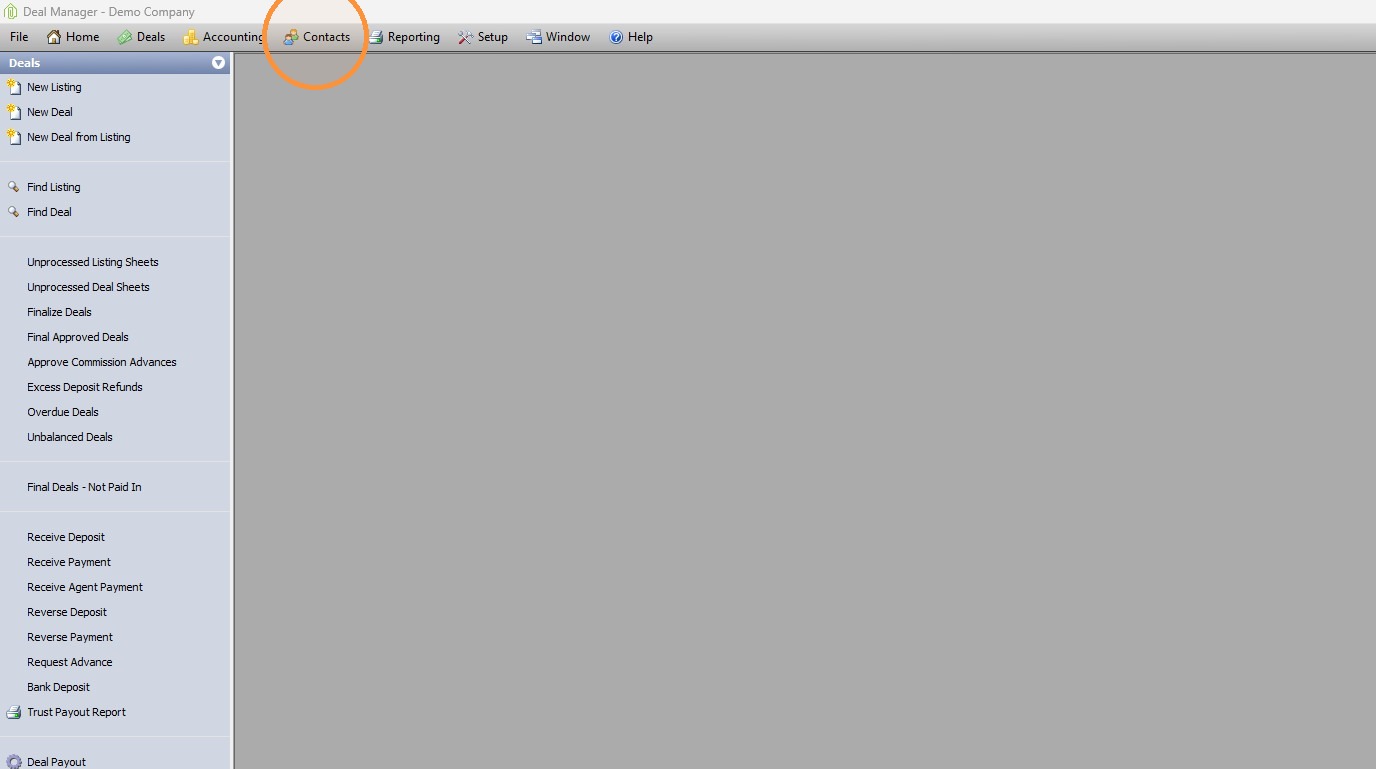
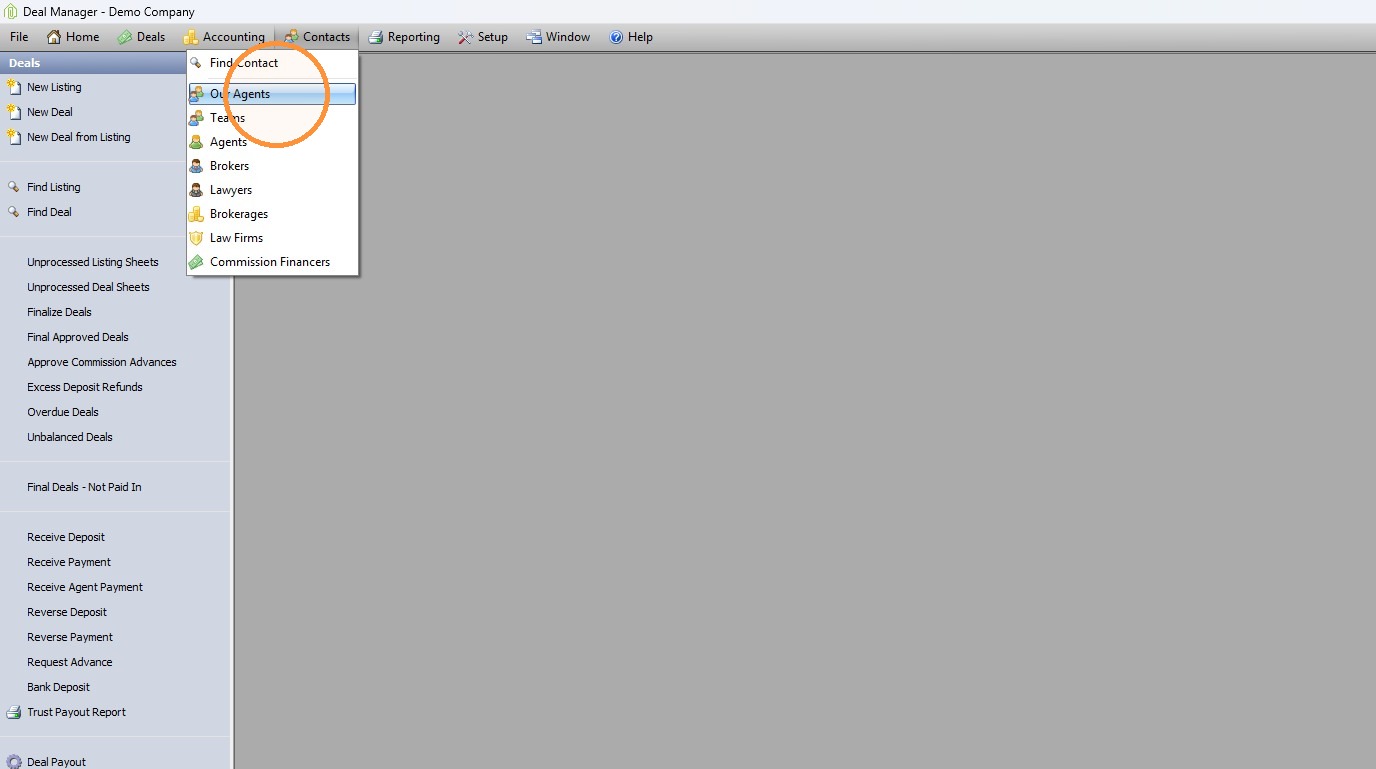
1. Navigate to Contacts > Our Agents
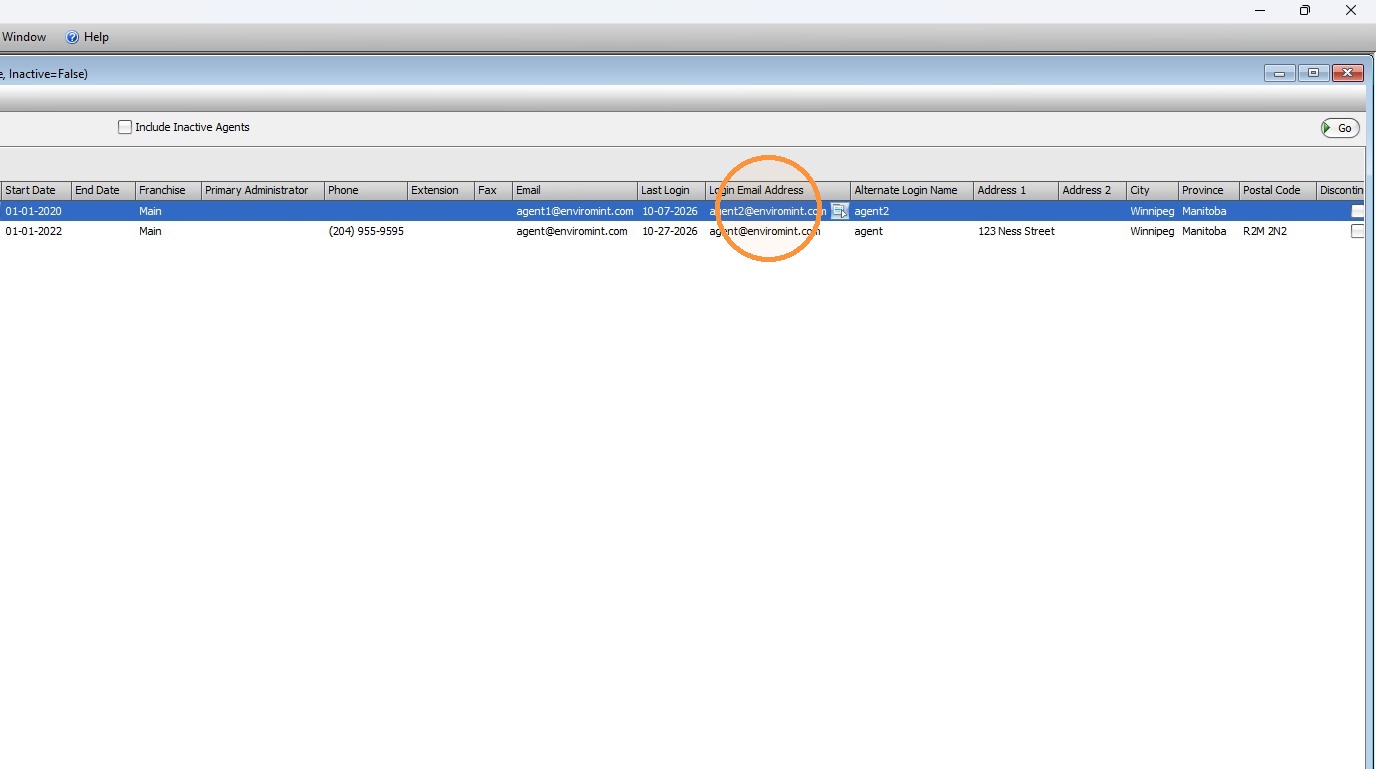
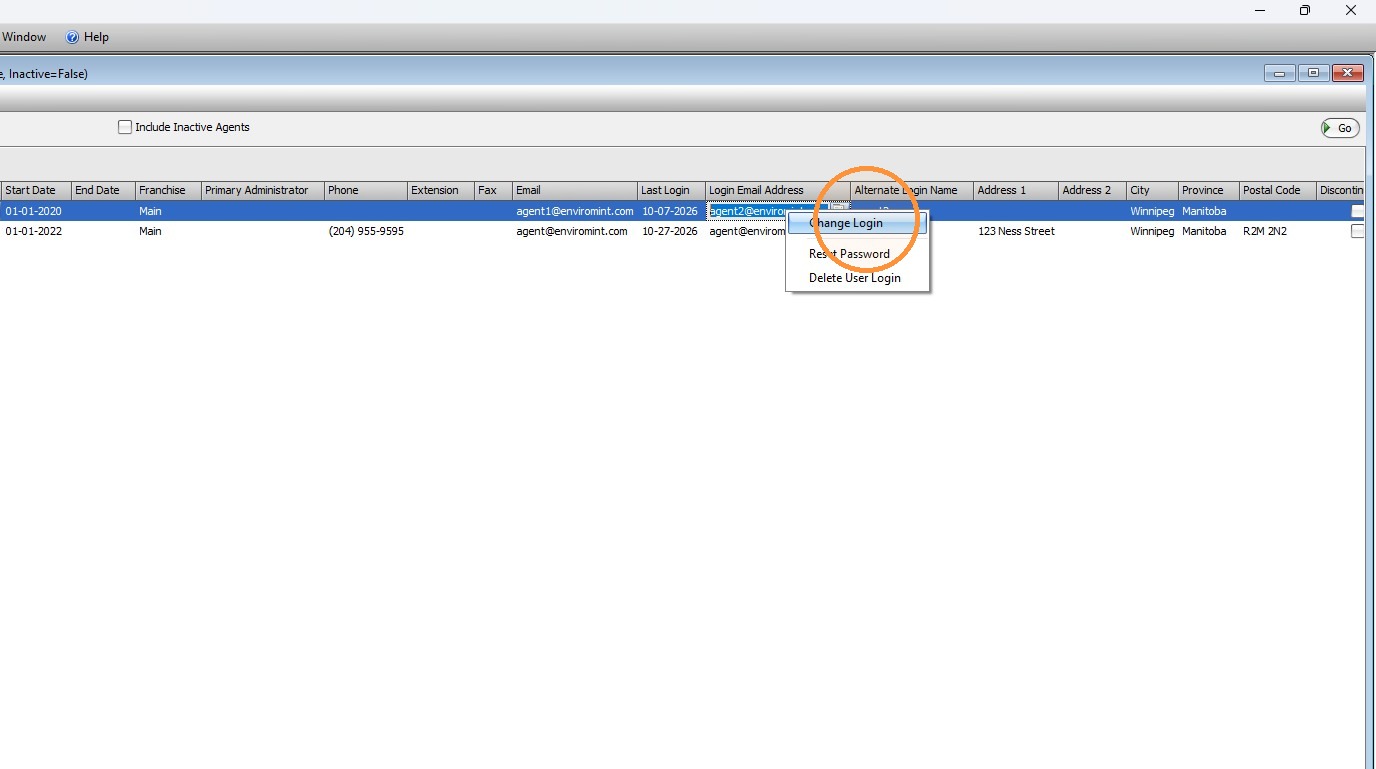
- Locate the agent whose login email needs to be updated.
- Click the Action button.
- Select Change Login.
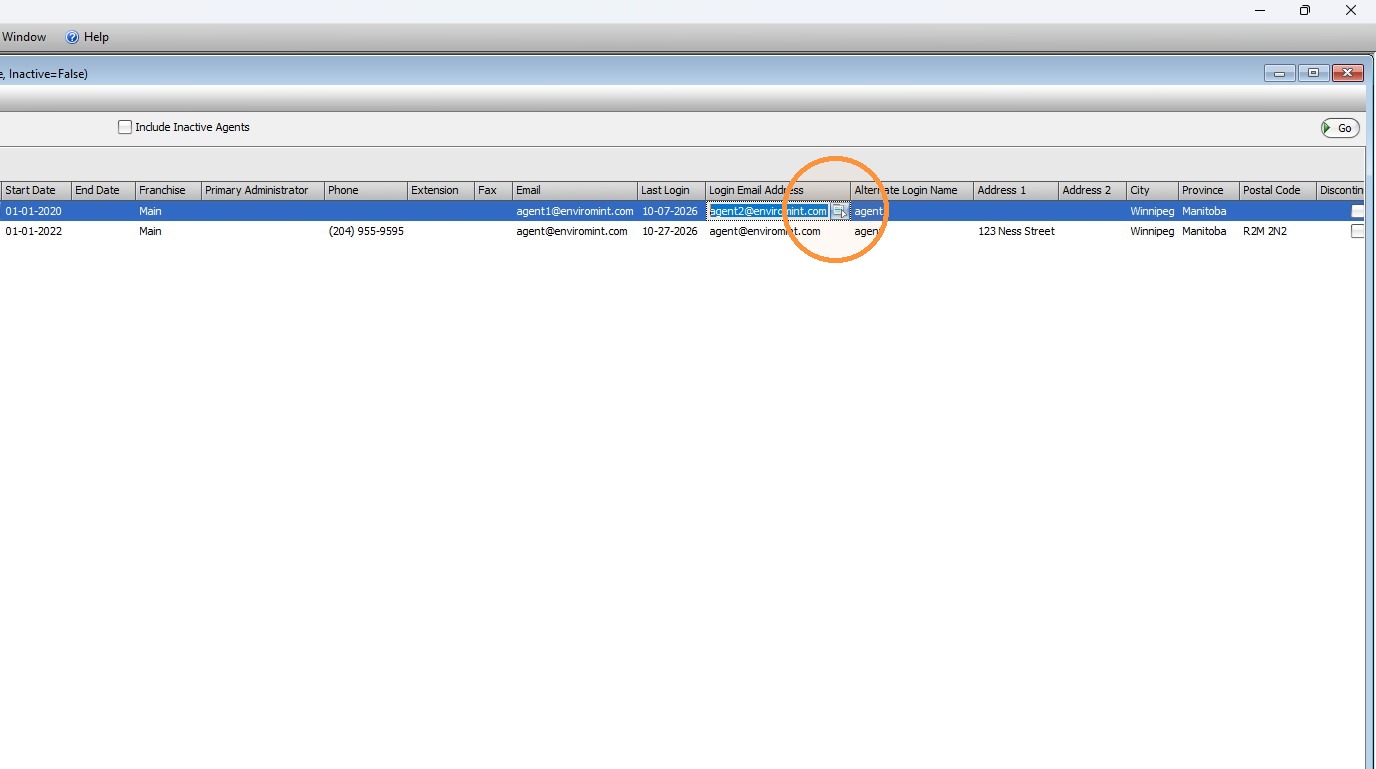
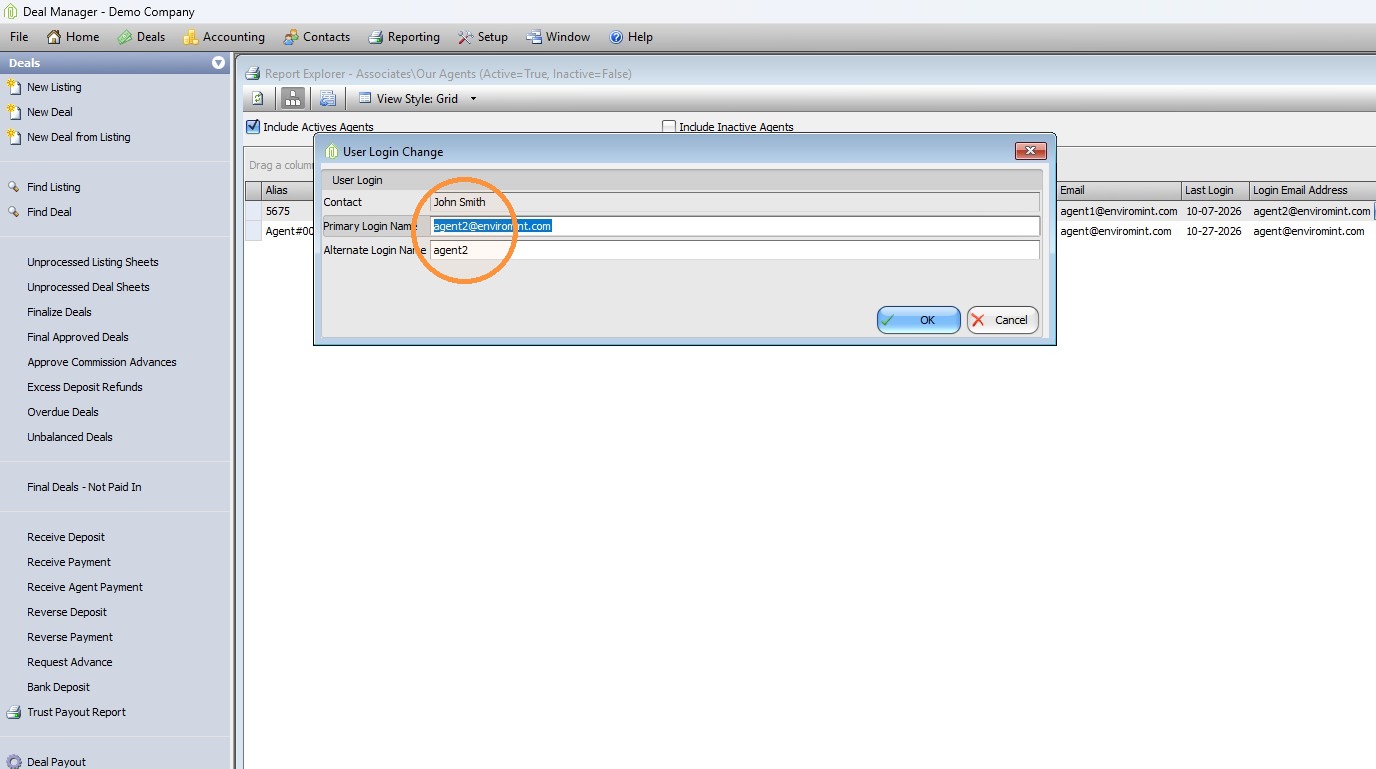
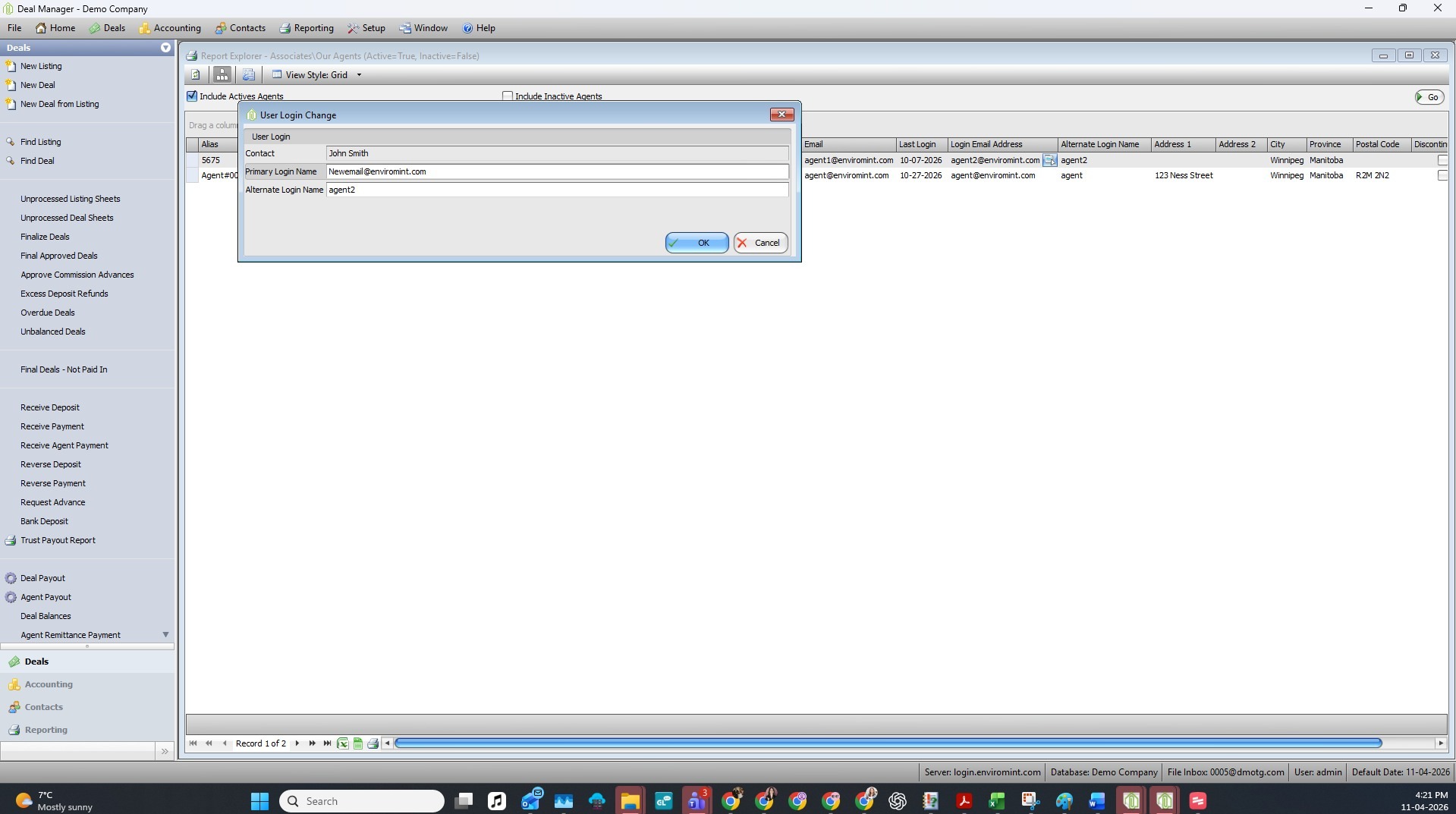
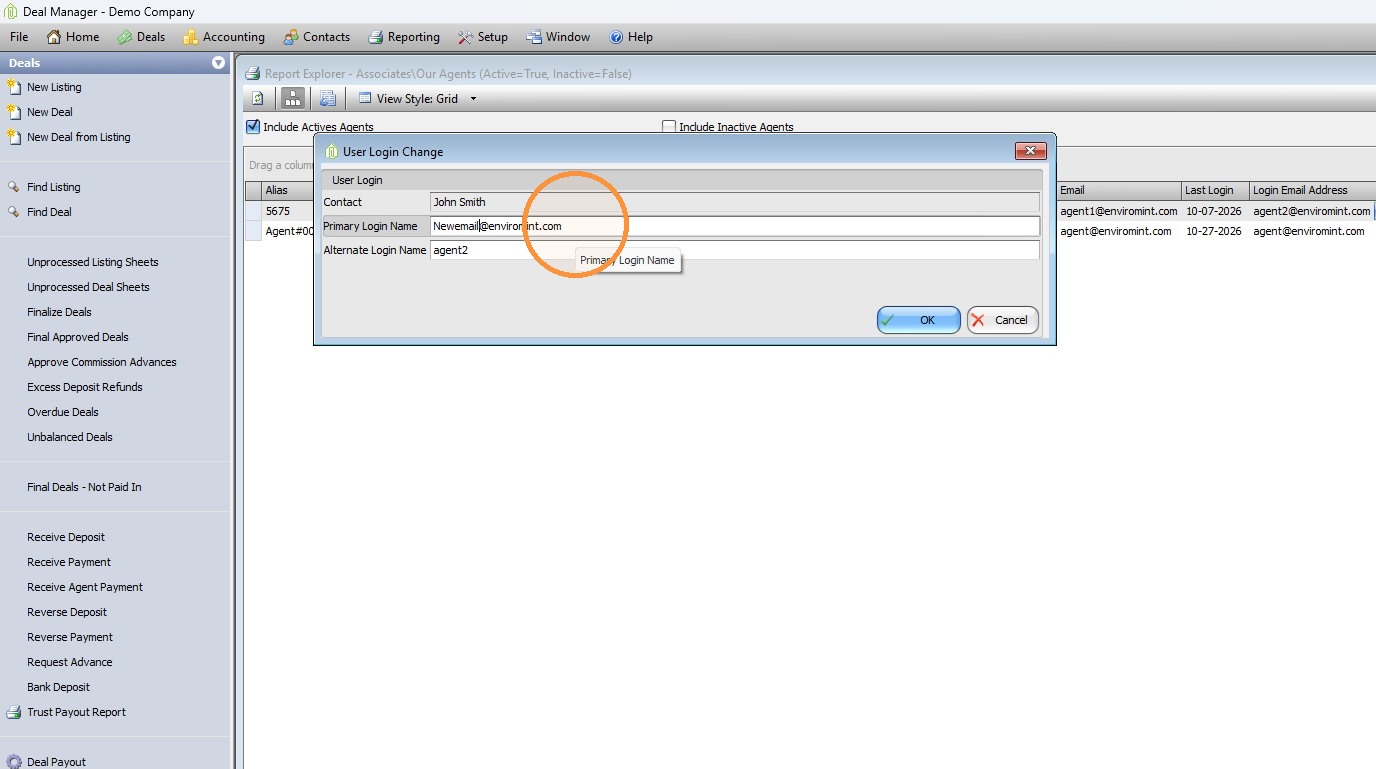
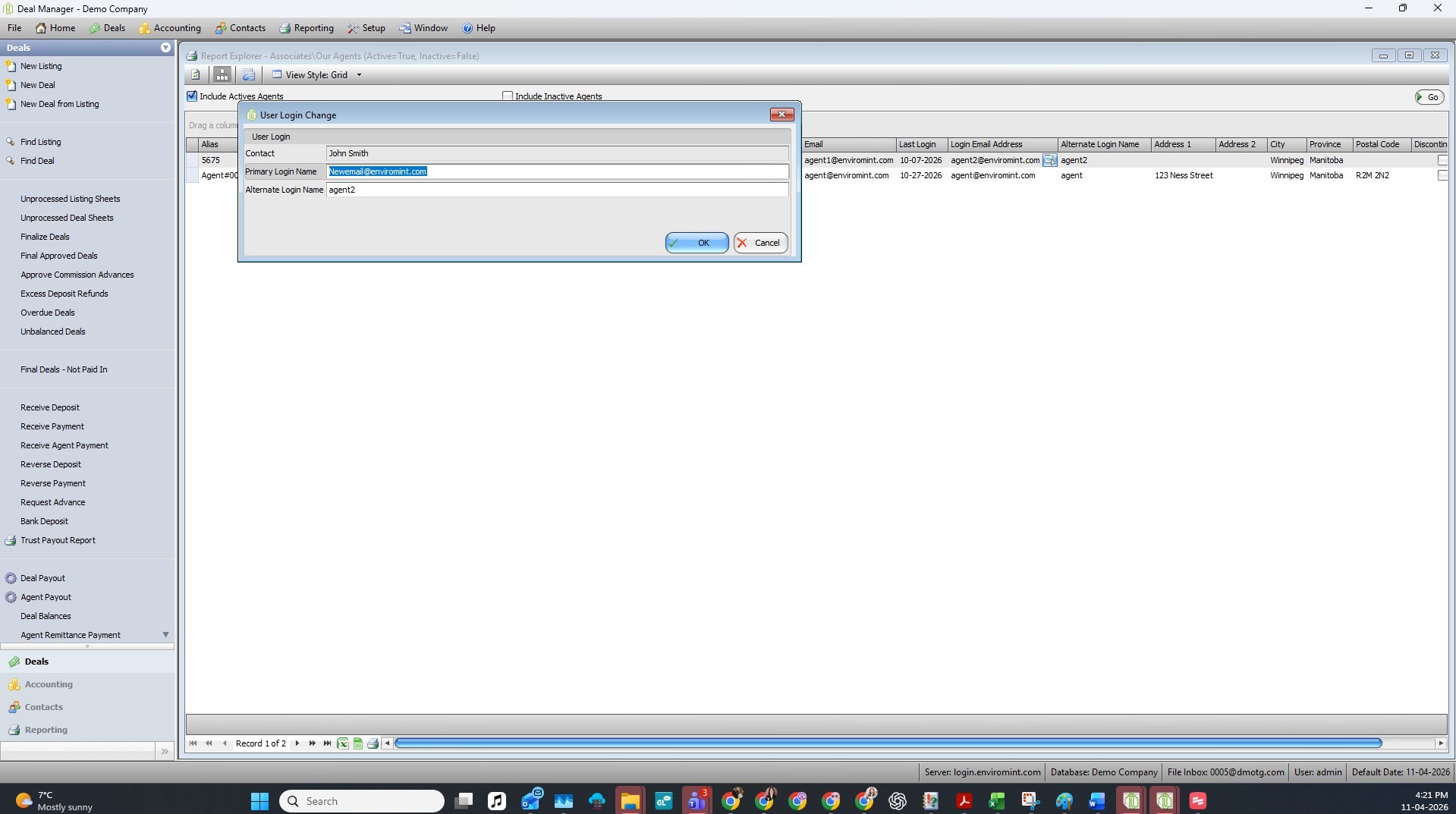
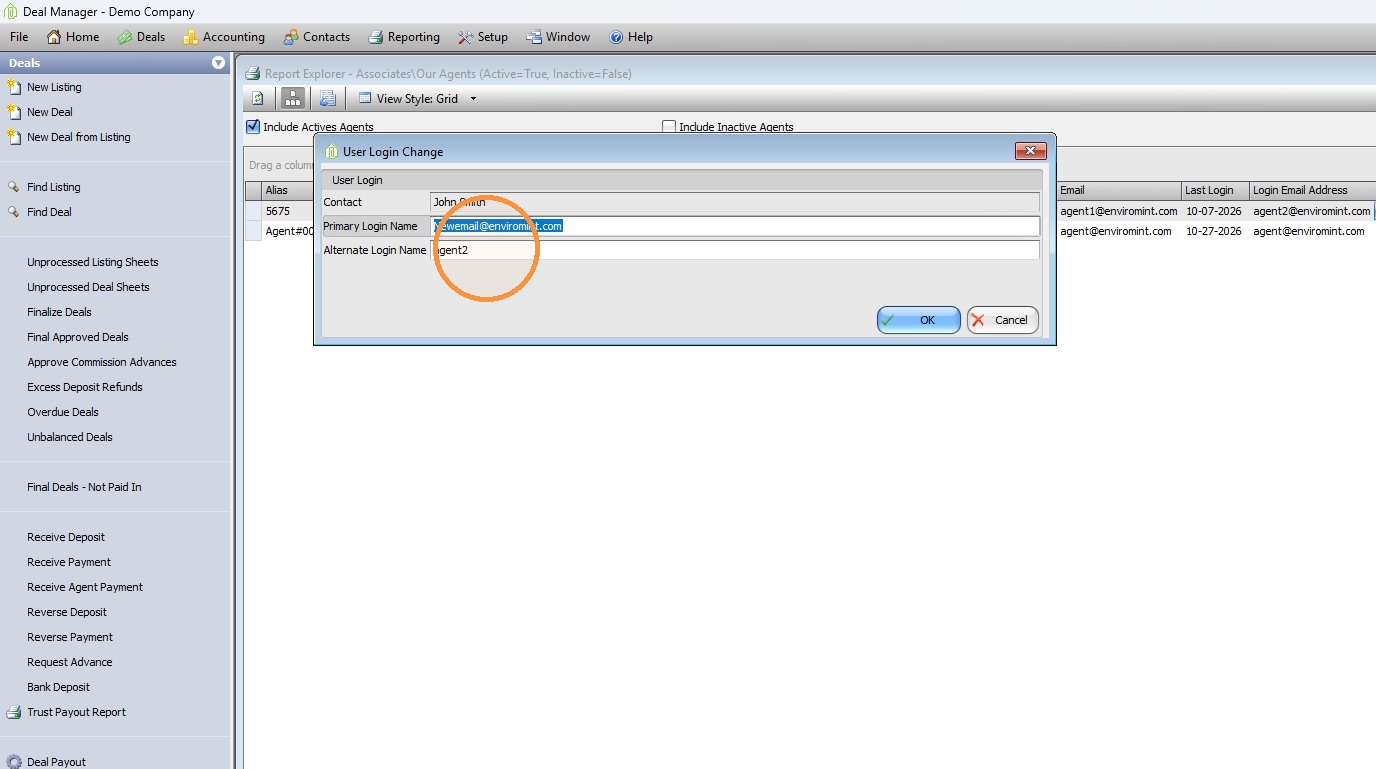
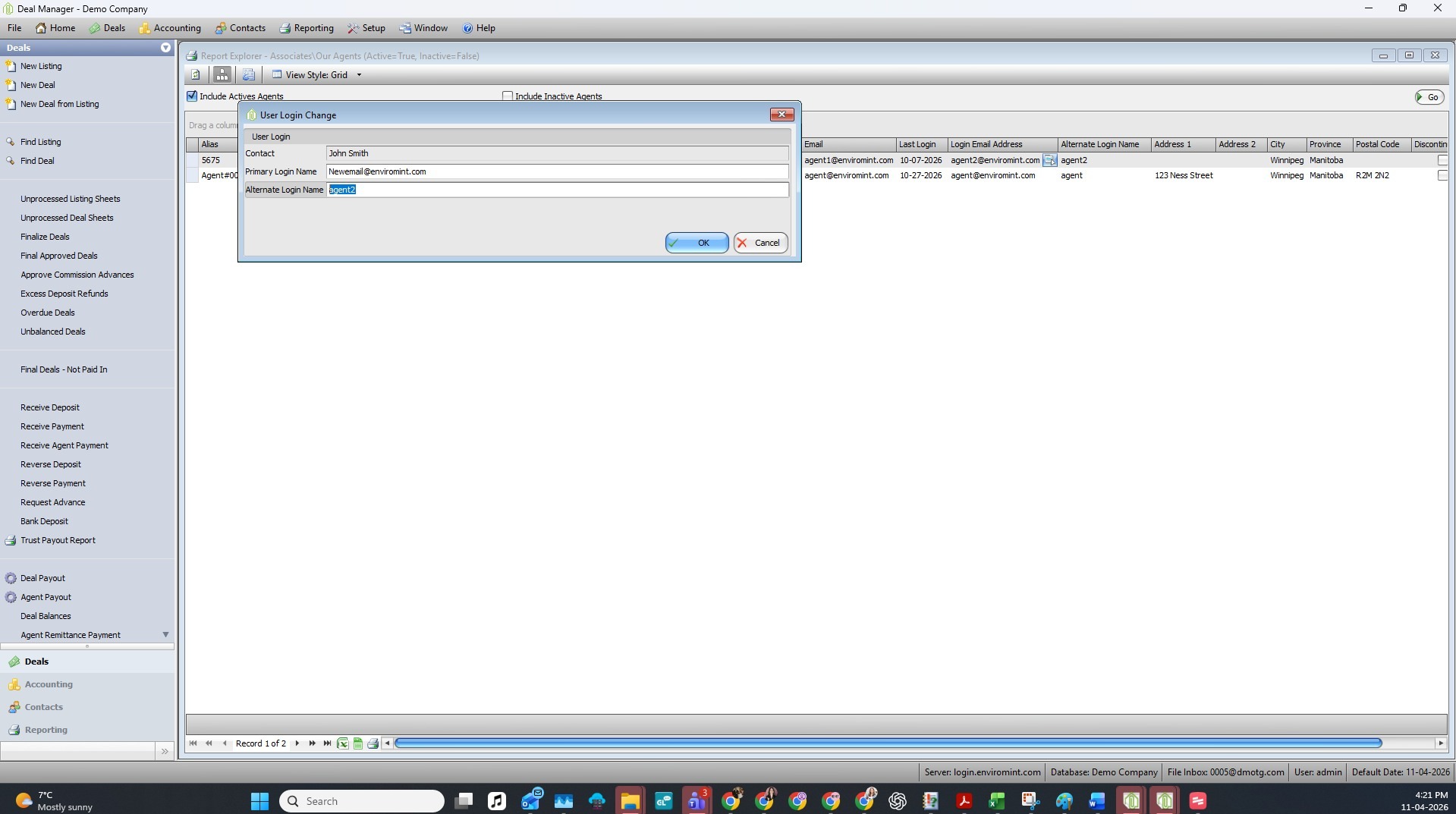
2. Enter the new primary login email address and the alternate login.
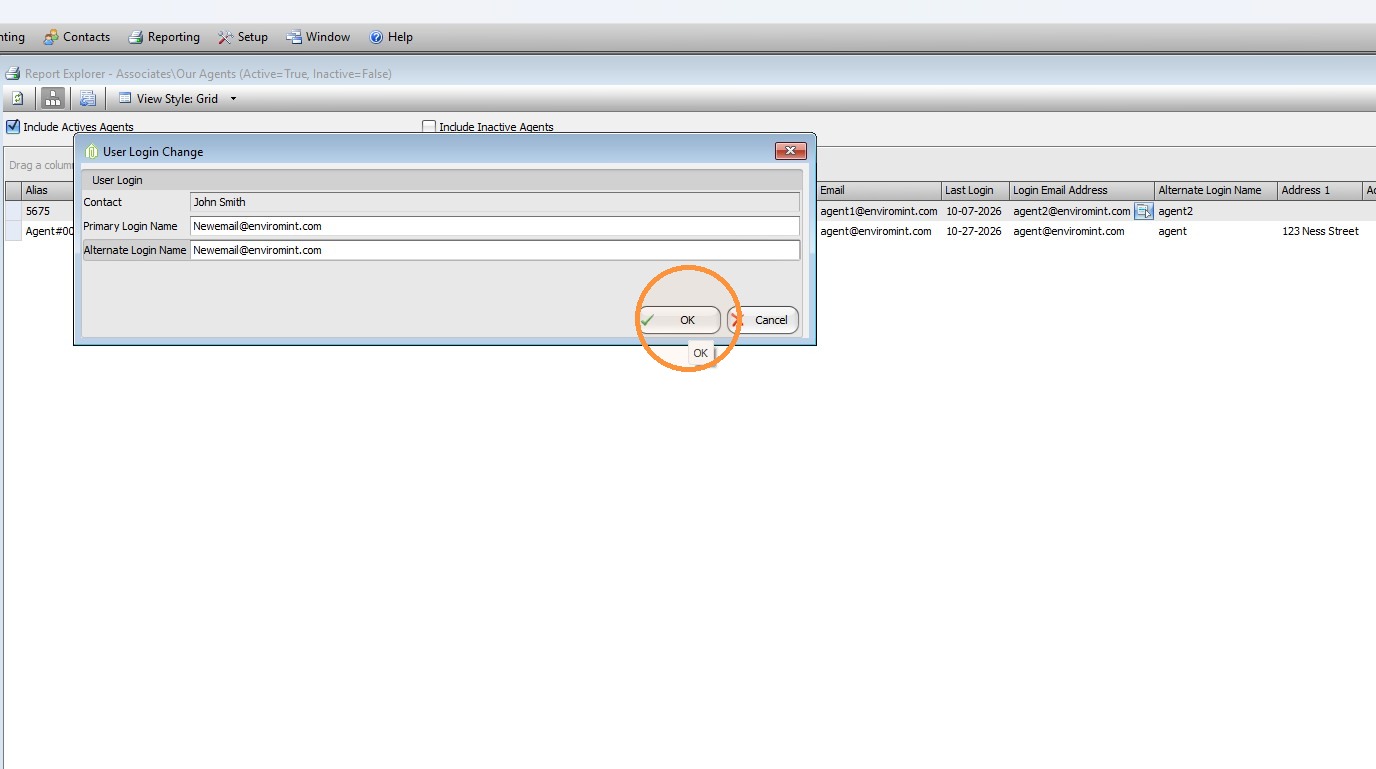
Click OK to save the change.
Enviromint Support -
1. Navigate to Contacts > Our Agents
2. Enter the new primary login email address and the alternate login.
Click OK to save the change.
Comments