To Handle PST on Agent Expenses you must have a PST Flow Through Tax and Tax Group set up in the system
Please Contact Deal Manager Support to have this set up. Support@enviromint.com
Accounting--> Receivables --> Customer Batch Invoicing
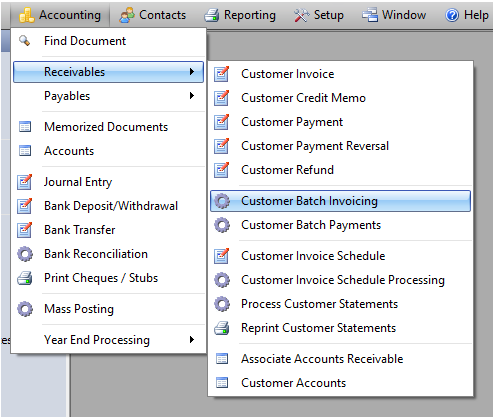
Create a Template as you normally would (Click here for instructions)
Tax Group must = G/PST Flow Through
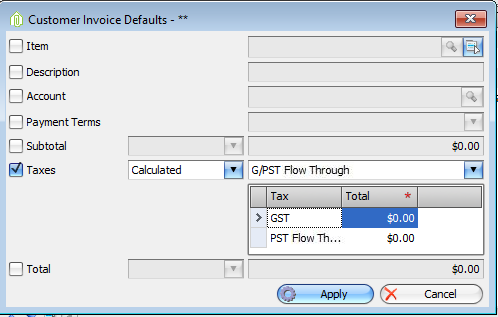
Either change each line manually or to change all lines to this tax group use the apply default button.
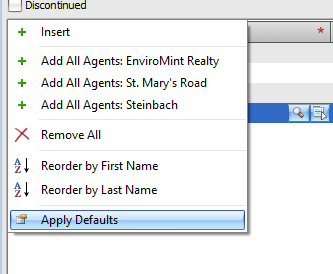
And select Taxes and choose G/PST Flow Though.
Your Template should look similar to this
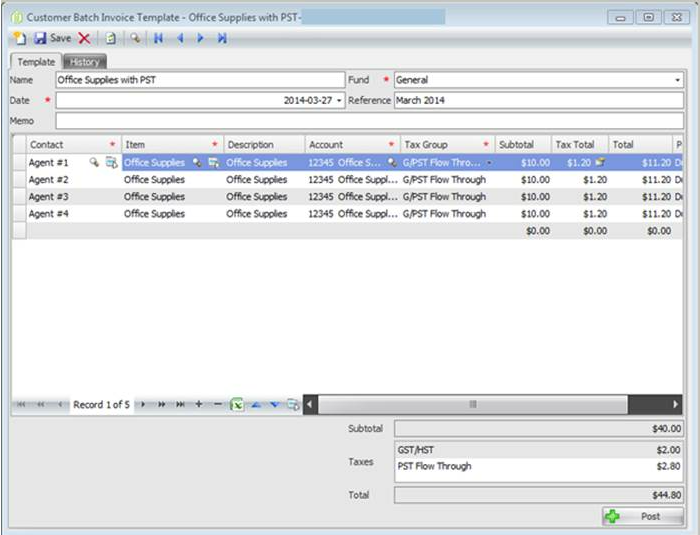
When satisfied that all entries and taxes are correct Save the Template and then click Post.
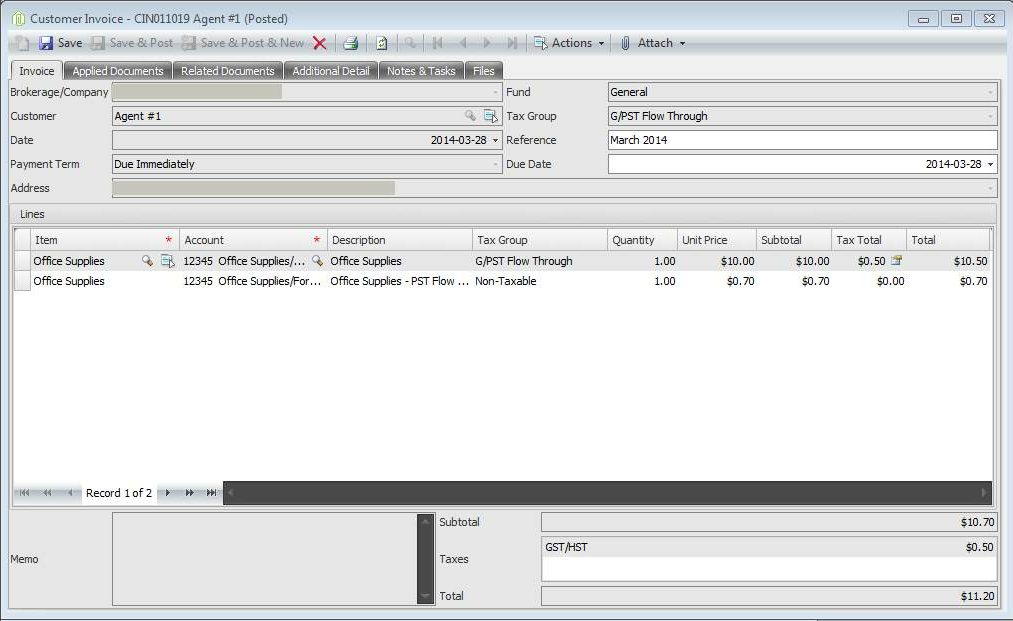
Once posted the entry to your GL will look like the customer invoice posted below.
Original amount to the expense account and a second line for the PST flowing through the same expense account
Comments